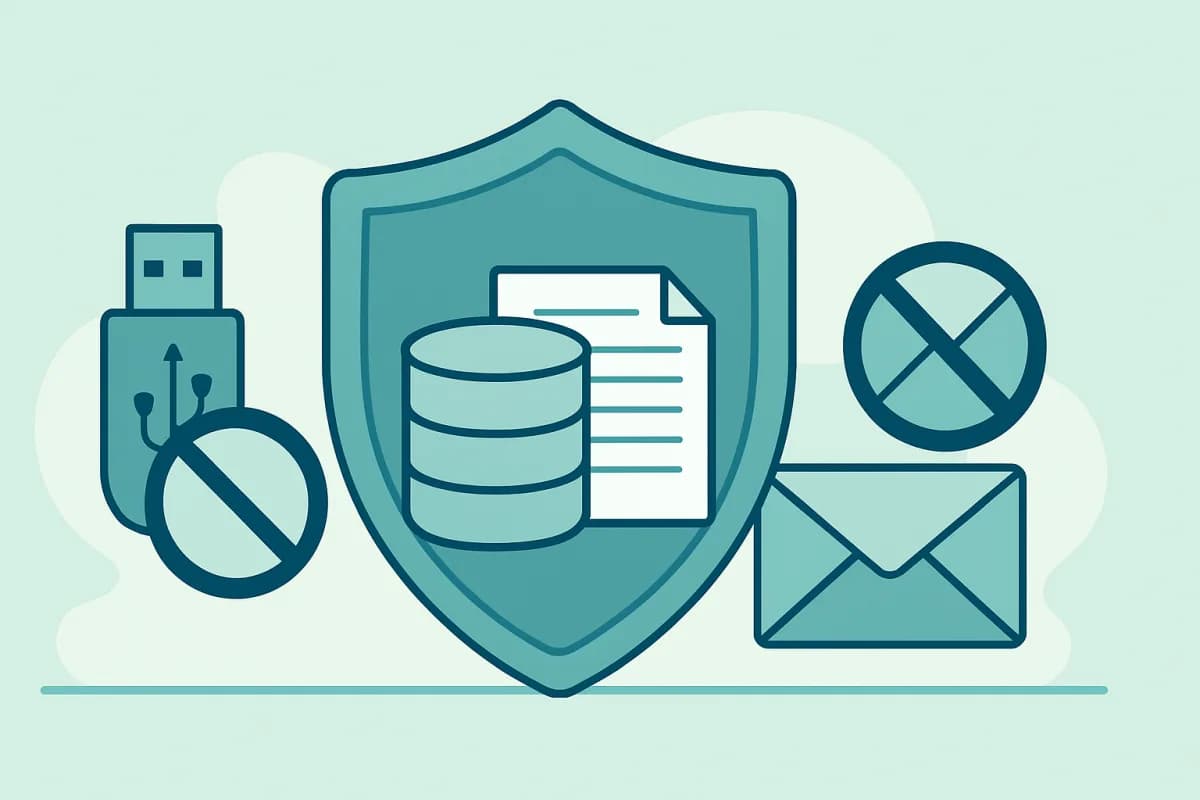
A leaked client base, a commercial proposal handed to a competitor, a contract accidentally sent to a personal inbox — most data leaks happen through a company’s own employees. A DLP system helps guard against this: it tracks how important information moves on work computers and warns about risks in time. Let’s look at what it is, how it works, and what to look for when choosing one.
- DLP (Data Loss Prevention) is a system for preventing data leaks.
- It tracks copying to USB, file sending, printing, and the clipboard.
- It runs on company-owned computers, with employees notified.
- When choosing one, look at the set of monitored channels, the reports, and how easy it is to roll out.
What a DLP system is, in plain terms
DLP stands for Data Loss Prevention. It is a software solution that controls how information moves inside a company and beyond its walls: what gets copied to flash drives, sent by email and messengers, printed, or placed on the clipboard. The goal is to keep important data from ending up where it shouldn’t.
How DLP works
An agent is installed on work computers that monitors the key leak channels and sends events to the dashboard. A manager or the security team can see, for example, that an employee plugged in a USB drive, sent a file, or printed a document. When something looks suspicious, the system raises a flag, and the events stay in the log for later review.
Which channels DLP monitors
- USB drives. Connecting flash drives and copying files.
- File sending. Email, messengers, cloud storage.
- Document printing. What was sent to print, and when.
- Clipboard. Copying of confidential text.
- Screenshots and activity. The overall picture of work at the PC.
How to choose a DLP system
- Monitored channels. Make sure the ones you need are covered: USB, printing, files, clipboard.
- Reports and usability. A clear dashboard, not raw logs.
- Ease of rollout. Quick agent installation and setup.
- Legality. The ability to run with employees notified and within the law.
- One pool with other devices. It helps when PCs and phones live in a single dashboard.
Example: monitoring leak channels in VkurSe for Windows
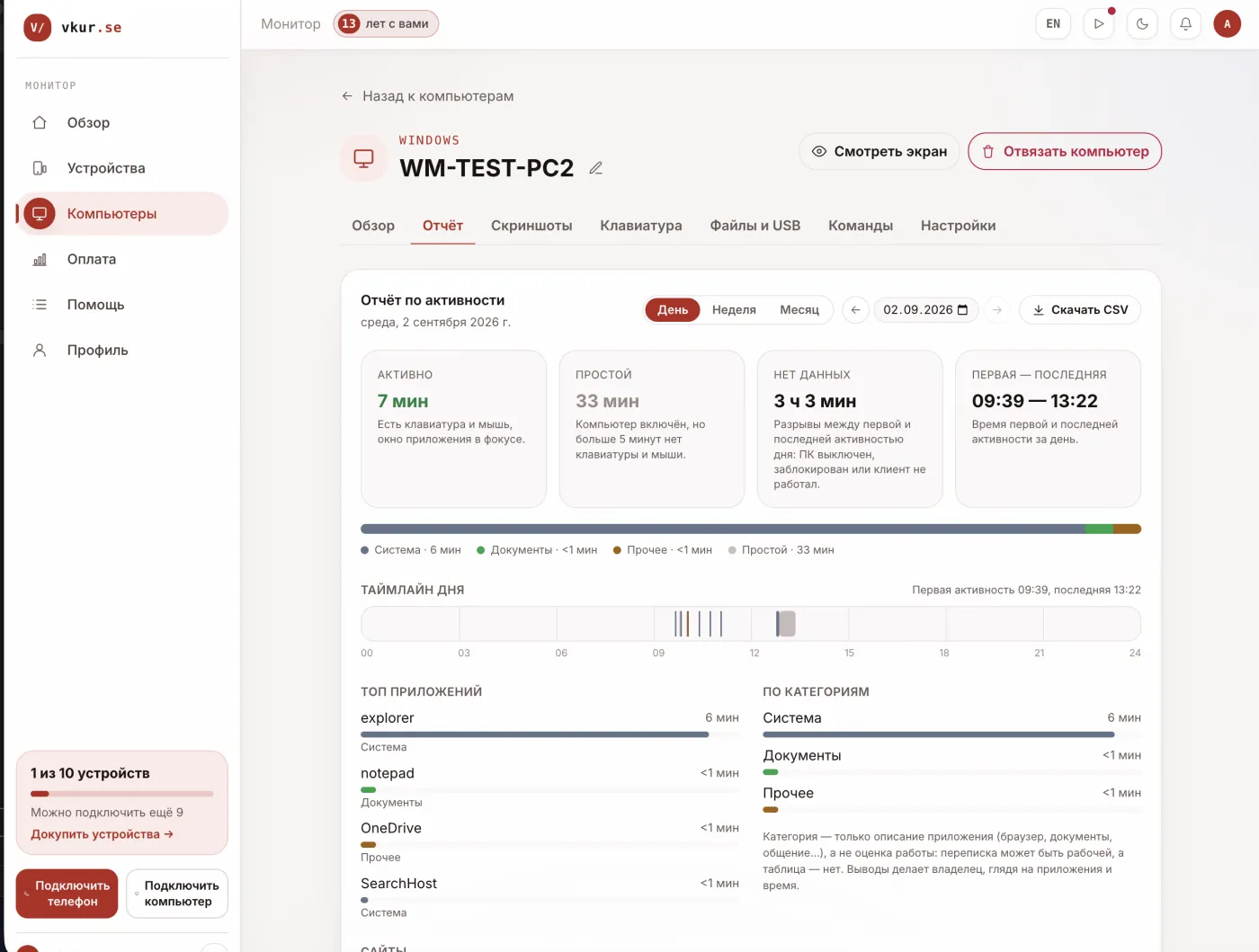
In VkurSe for Windows, the dashboard shows connected USB devices, printed documents, sent and received files, along with the clipboard, screenshots, and app history. This covers the main leak channels on company PCs and helps you spot a risk in time. Monitoring is carried out on company-owned equipment, with employees notified.
Legal and ethical
DLP is legal on a company’s work computers when employees are notified about the monitoring. Personal devices and covert surveillance are against the law. Put the monitoring rules in writing and don’t collect more than you need.
Frequently asked questions
How is DLP different from ordinary monitoring?
Monitoring shows what an employee is doing, while DLP focuses on how data moves and on the leak channels — USB, files, printing, clipboard. In practice, a single system often handles both jobs.
Is DLP suitable for small business?
Yes. It is enough to cover the main leak channels on work PCs — that doesn’t require an expensive enterprise product; a lightweight solution with a clear dashboard will do.
Conclusion
A DLP system protects a company from data leaks through its employees: monitoring USB, files, printing, and the clipboard on company PCs. Choose one by the channels you need and the convenience of the dashboard; even a lightweight solution like VkurSe for Windows can cover the basic risks — legally, with employees notified.

VkurSe for Windows
Screenshots, apps, websites and computer activity in one dashboard. Phones and PCs together. First 24 hours free.
Try it freeCreate your dashboard — the Windows installer will be in the “Computers” section