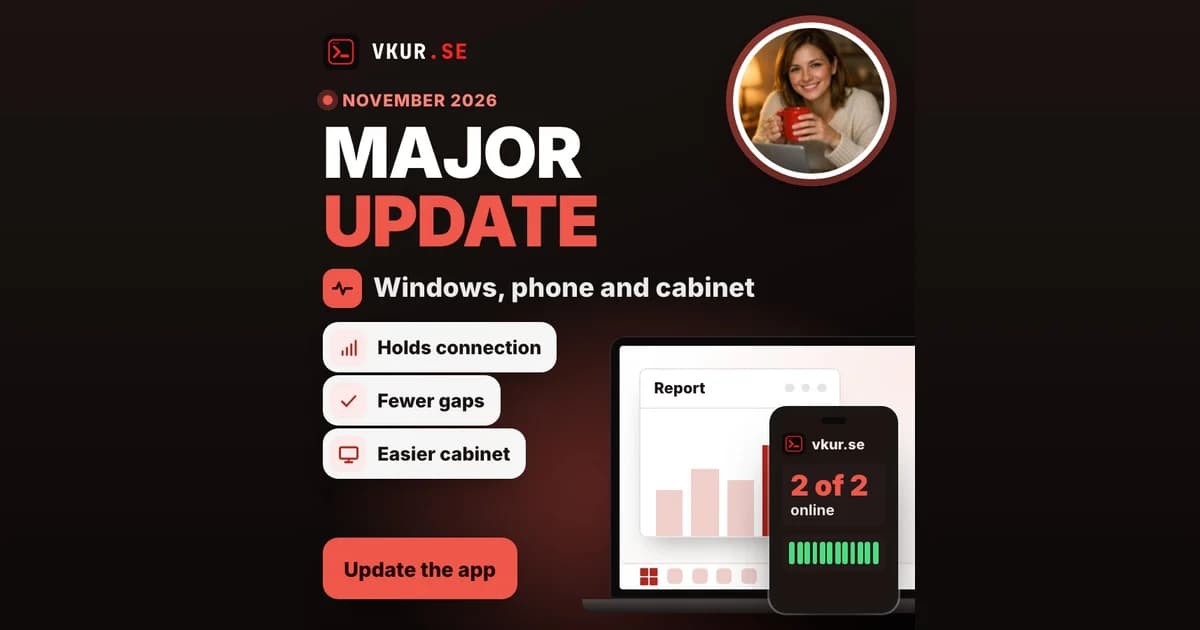
If your team uses company Android phones, the key news is simple: VkurSe app 1.2.7 keeps a steadier connection to the dashboard and restarts itself if it stops. Released on November 24, 2026, the update also brings a friendlier dashboard and version 0.2.0 of the Windows program for work computers. Below we go through each part and answer the questions we hear most often.
What changed on company phones
Most of the work in version 1.2.7 went into keeping phones visible in the dashboard and data flowing without long gaps.
- Connection. The app holds its link to the dashboard more reliably.
- Data delivery. Data and files arrive more evenly, with fewer gaps.
- Self-recovery. If the app stops, it gets back to work on its own.
- Location. Setup now has a separate step where you choose Allow all the time.
- Android 13 and newer. Setup hints on these versions are clearer.
For a broader look at features and how to pick a tool, see our guide to employee monitoring software.
Dashboard: setup, tips and routes
The VkurSe 2.0 dashboard got easier in the three places where people used to get stuck:
- Phone connection now goes step by step, from the start to the first check-in.
- When a phone goes quiet, the dashboard tells you what to check on the device.
- A map shows the routes of a company phone for the day and the week, which helps when you manage couriers, sales reps or field technicians.
Windows computers: version 0.2.0
Work computers connect to the same dashboard as phones and share the same subscription, up to 10 devices in total, with no separate plan. Version 0.2.0 brings:
- more stable operation overall;
- cleaner screenshots;
- a report on apps and the time spent in them;
- precise adherence to the schedule set in the dashboard.
Installation steps are in how to connect a Windows PC to the dashboard. Everything above is included in VkurSe 2.0.
How to switch to the new version
- On each work phone, install app 1.2.7 over the current one: use "Download the app" in the dashboard or the download page.
- After installing, go through every setup step in the app: permissions, location set to Allow all the time, and background work. Connection stability depends on them.
- For a computer, open the dashboard on that PC, go to Computers and download the program.
- Make sure your devices are online. If a phone stays quiet, follow the tip in the dashboard.
VkurSe 2.0 is installed only on company-owned devices and only when employees have been informed about monitoring.
Frequently asked questions
How do I update the VkurSe app on a work phone?
Download version 1.2.7 with "Download the app" in the dashboard and install it over the current version. Then go through every setup step in the app.
What should I do if a work phone is offline?
Check that every setup step in the app is complete, including location set to Allow all the time and background work. If the phone is still quiet, the dashboard will suggest what to check.
Where can I see an employee's route for the week?
On the map in the dashboard, which shows a company phone's routes for the day and the week.
Can a work computer join the same subscription?
Yes. Windows computers share the subscription with phones, up to 10 devices in total.
Do employees need to be informed?
Yes. VkurSe 2.0 is designed for company devices, and employees must know about monitoring, usually confirmed in writing.